Word Chain
A Roblox Word Puzzle Game
About the Project
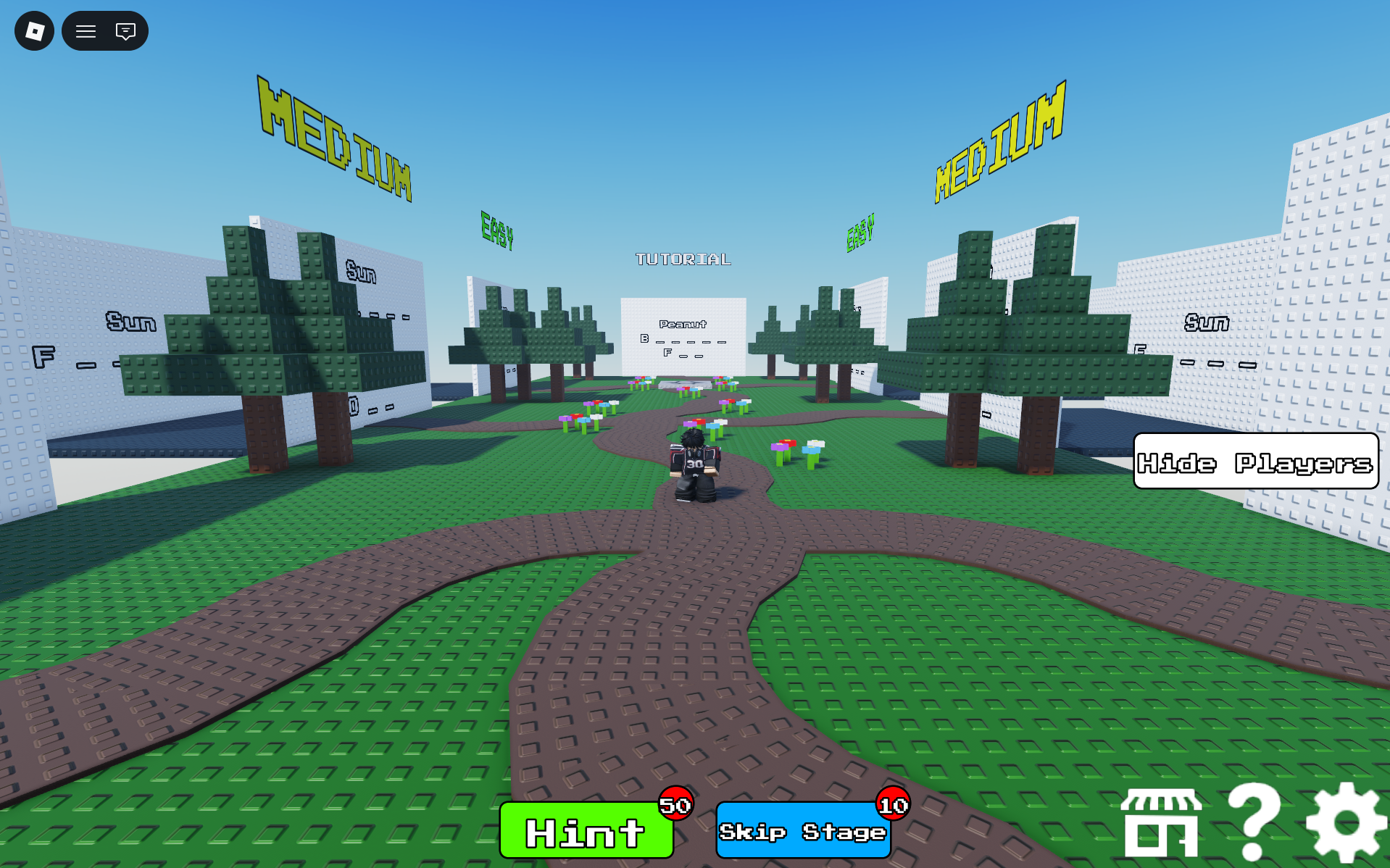
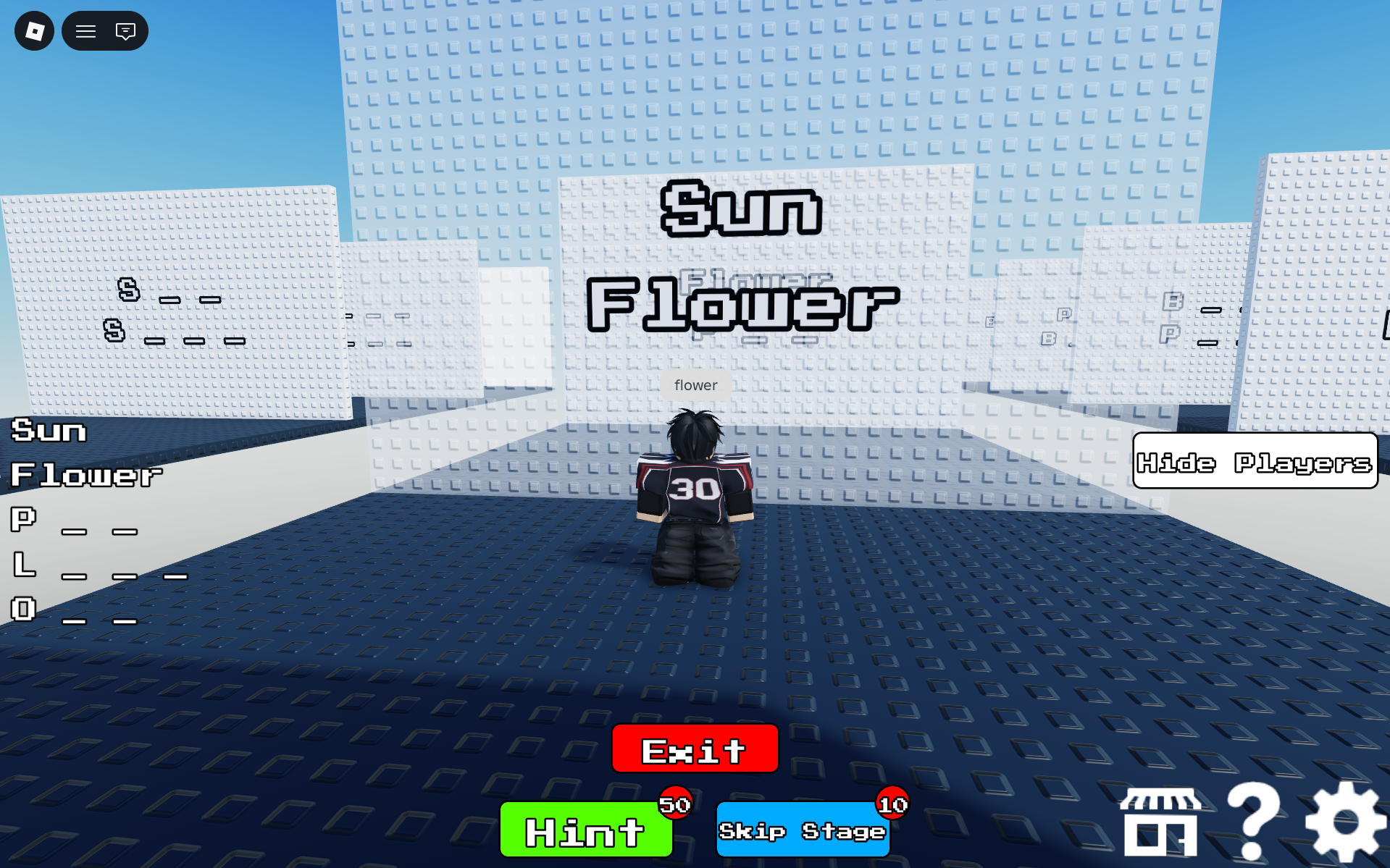
Word Chain is my first Roblox game—a word-chain puzzle experience built entirely using the Roblox Studio game engine and Luau as the main scripting language. Players are given the first word in a chain and must guess the subsequent words using only their first letters as clues. With multiple difficulty levels, custom-designed word lists, and systems to offer players hints and skips, the game offers engaging and replayable gameplay for puzzle enthusiasts.
Technical Highlights
Building this game taught me core game development concepts and Roblox-specific architecture:
Client-Server Architecture
Implemented a clean separation between server and client logic using RemoteEvents and RemoteFunctions. The server validates all player guesses via chat input, ensuring game integrity, while the client handles UI updates and visual feedback. BindableEvents facilitate communication between local scripts (GUI ↔ Workspace logic).
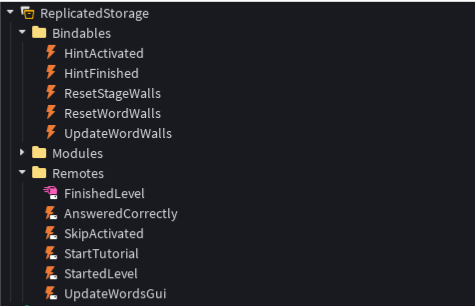 Remotes folder structure
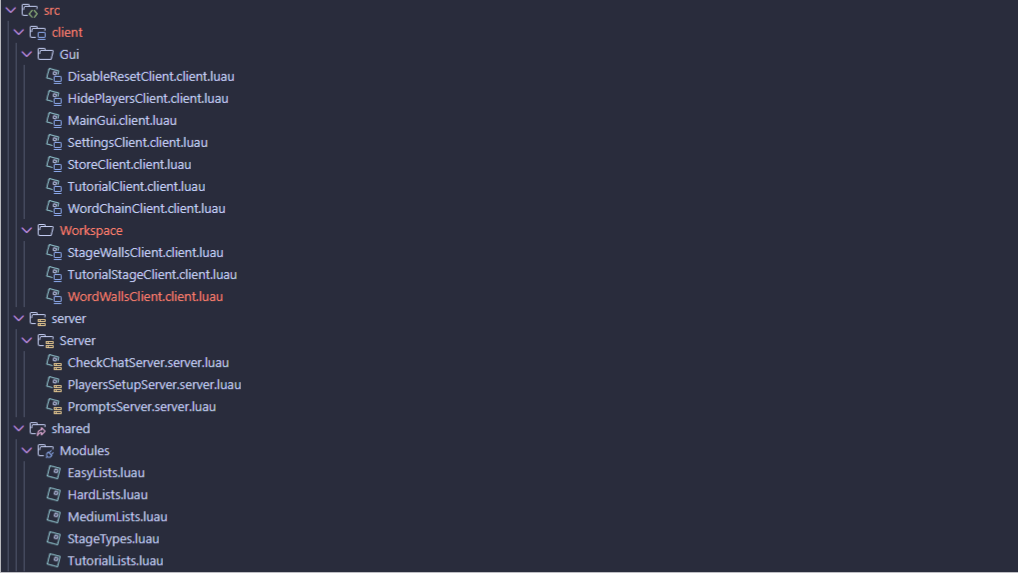 Script organization in Explorer
Modular Code Organization
Scripts are organized into logical folders: server scripts in ServerScriptService, client scripts split into GUI and Workspace handlers, and ModuleScripts storing word chain data. This structure promotes maintainability and scalability.
Dynamic World Interaction
Using CollectionService with tagged objects (StartWalls, WordWalls, StageWalls), the game dynamically manages physical walls that display word chains via SurfaceGui. Walls become passable when answers are correct, with smooth transparency transitions.
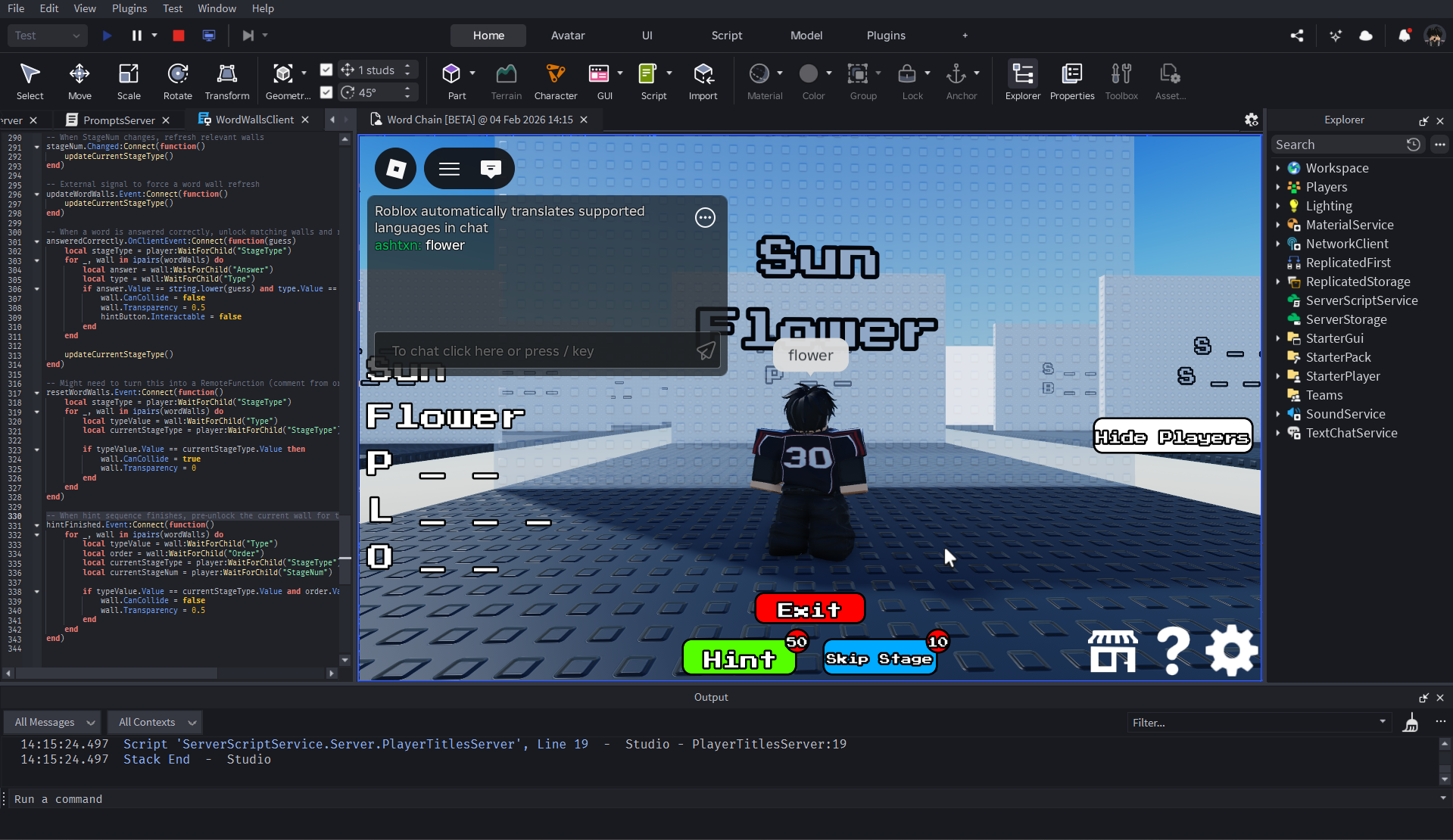 SurfaceGui displaying word chains
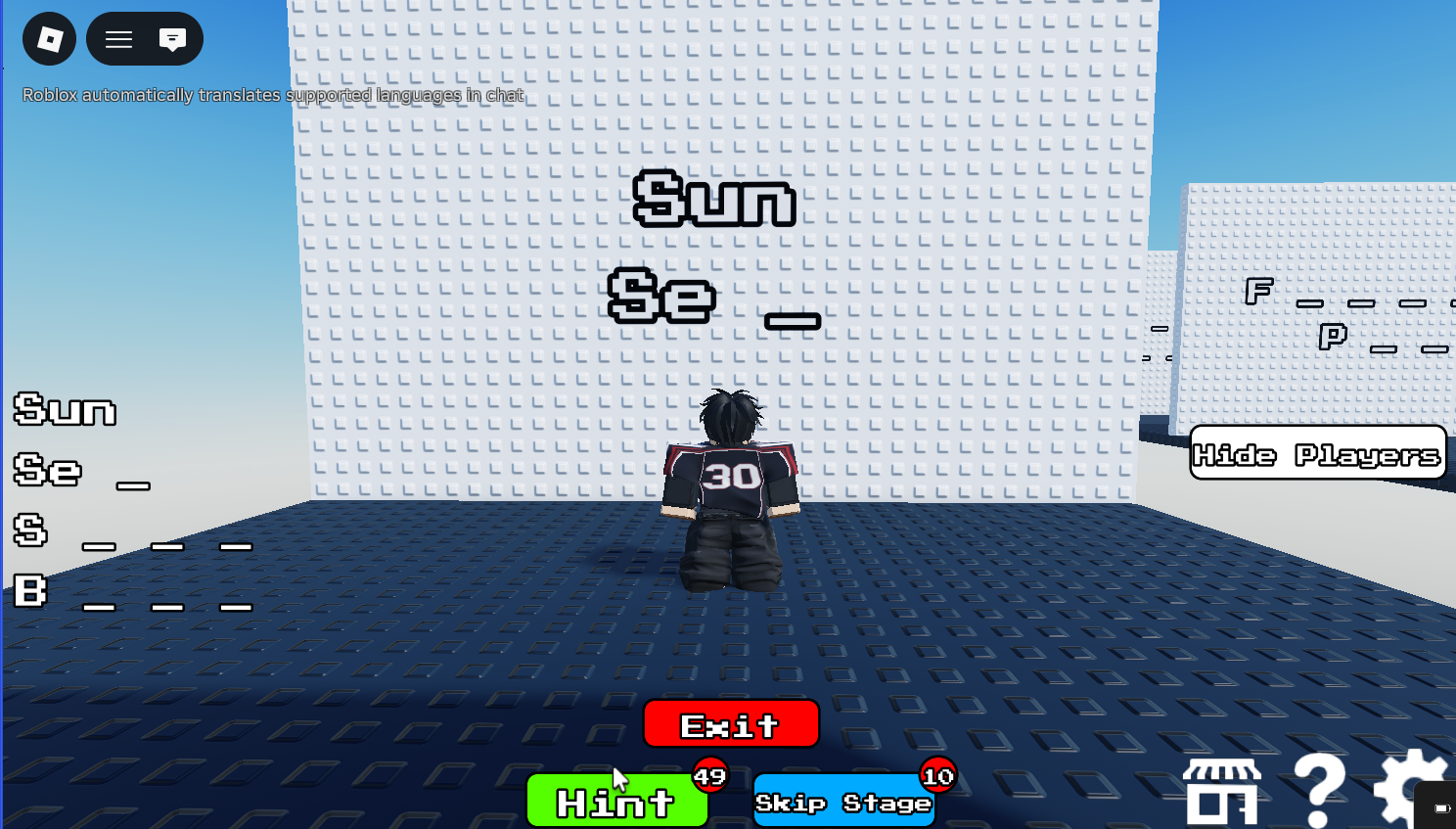 Progressive hint reveal
Progressive Hint System
Hints reveal letters incrementally—each use exposes one more character of the answer. The system tracks hint state per stage and integrates with MarketplaceService for optional in-game purchases.
Data Persistence
Player progress is saved using Roblox's DataStoreService. Each difficulty level tracks the player's current word list independently, allowing players to resume where they left off across sessions.
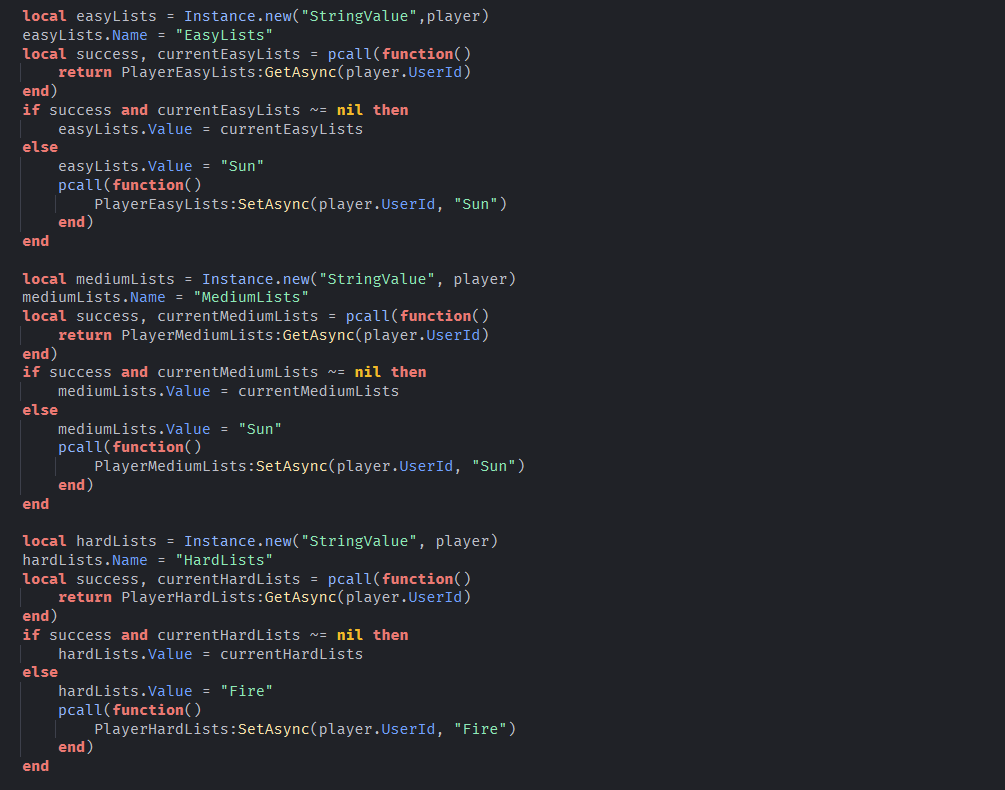 Player data and leaderstats
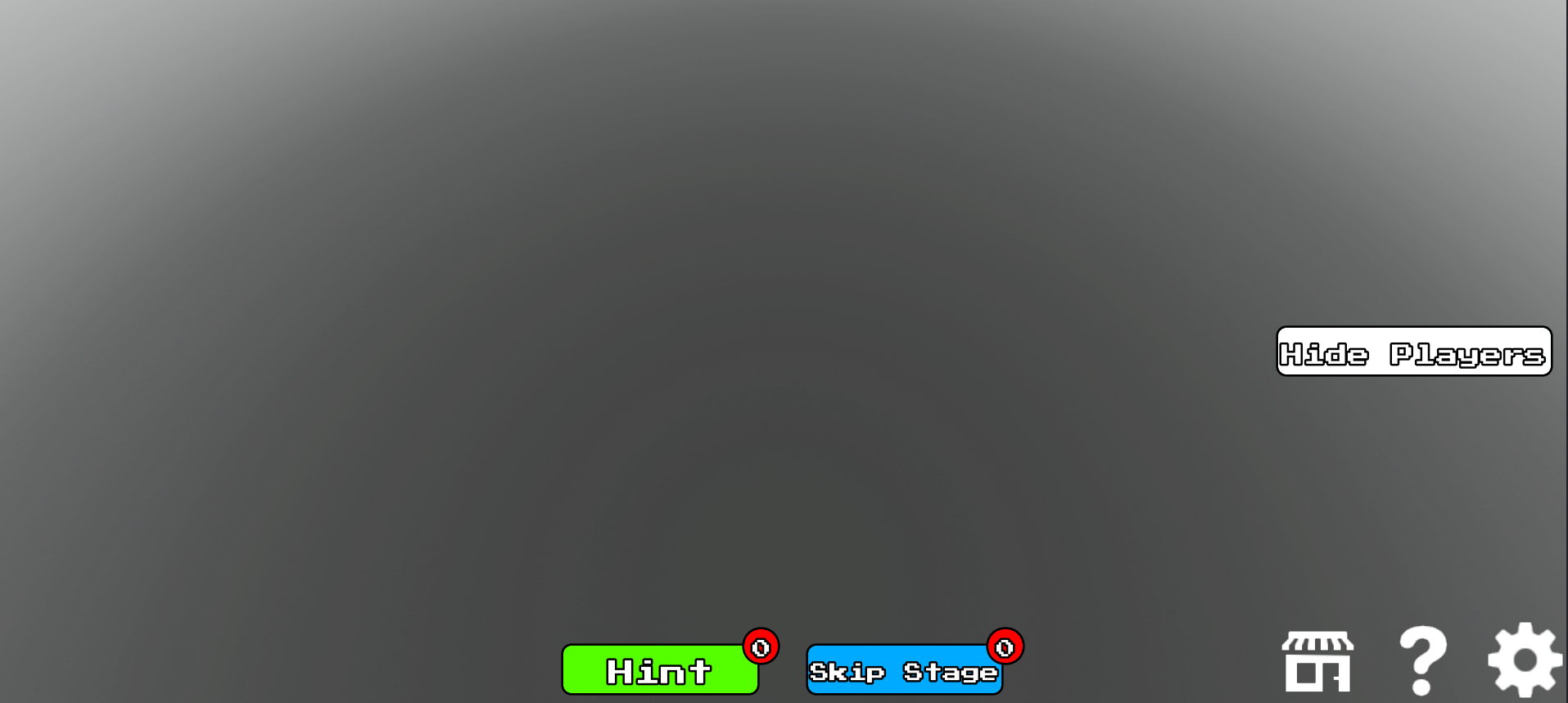 Animated UI elements
Polished UI/UX
Buttons feature hover animations using TweenService with easing functions. Sound effects toggle on/off per player preference, and the interface updates reactively based on game state (stage number, difficulty, completion status).
Technologies Used
Play the Game
Play on RobloxSlime Survival
A 2D Java Action Game — No Game Engine
About the Project
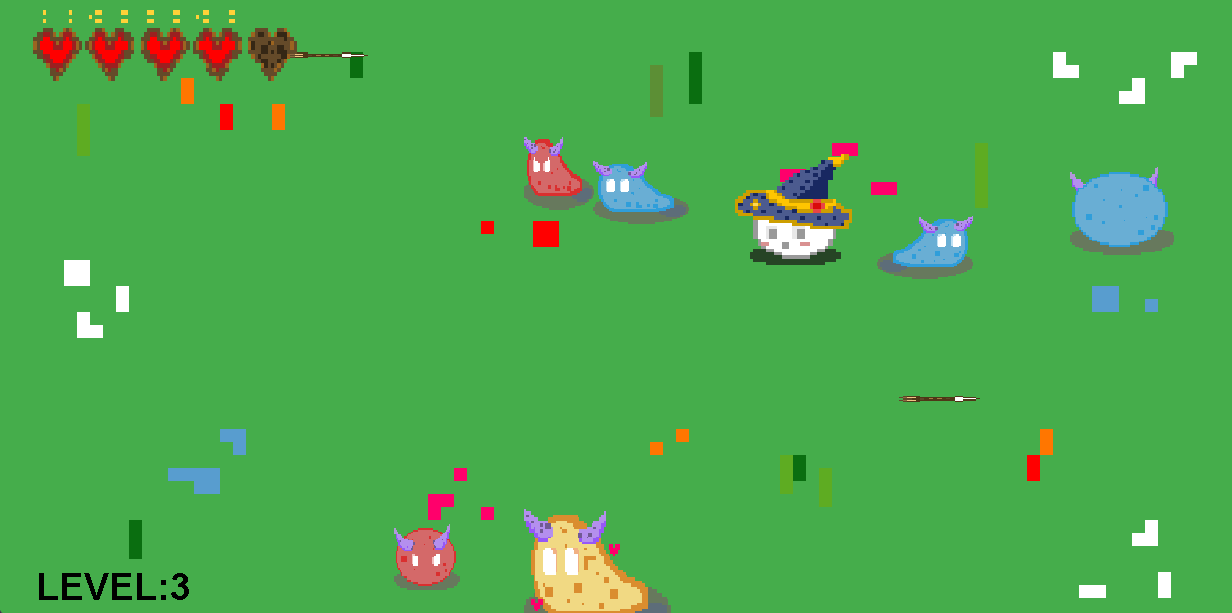
Slime Survival is a 2D top-down action game built entirely from scratch in Java—no game engine, no frameworks, just pure code. Players navigate through 8 progressively challenging levels, battling different types of slimes while dodging incoming arrows. The game features WASD movement, directional attacks using arrow keys or mouse clicks, and a health system with invincibility frames. Every system—from rendering to collision detection to AI—was hand-coded, giving me deep insight into how games actually work under the hood.
Technical Highlights
Building a game without an engine forced me to implement core systems from the ground up:
Custom Game Loop
Implemented a threaded game loop running at 60 ticks per second. The loop handles all game logic—entity updates, collision checks, state management, and rendering—in a controlled, frame-independent cycle. This taught me the fundamentals of real-time game architecture.
Java Swing & AWT Rendering
Used JFrame and JComponent for window management, with Graphics2D handling all sprite rendering.
Each entity draws itself using custom drawSelf() methods, with sprite selection based on direction and state (hurt, attacking, idle).
No external rendering libraries—just Java's built-in capabilities.
Object-Oriented Architecture
Clean separation of concerns with dedicated classes: User (player), Slime (enemies), Arrow (projectiles), and Map (game manager). Each class encapsulates its own state, behavior, collision logic, and rendering—demonstrating strong OOP principles.
Custom Collision Detection
Wrote collision detection algorithms from scratch using Euclidean distance calculations and bounding box checks. The system handles player-enemy collisions (with knockback), attack hitbox detection, and arrow impacts—all without physics engine assistance.
Enemy AI & Variant System
Four distinct slime types—Regular, Fast, Tank, and Boss—each with unique stats (health, speed, size). Slimes move randomly using tick-based direction changes and bounce off walls. The type system uses constructor parameters to configure variants, keeping the codebase DRY.
State Management & Invincibility Frames
Implemented damage states with invincibility frames—players and enemies can't take repeated damage within a cooldown window. Attack states freeze player movement during swings. These mechanics required careful tick-based timing and boolean state tracking.
Custom Sprites & Visual Feedback
All sprites were custom-made and loaded via ImageIcon. Characters have directional sprites (up, down, left, right) and hurt states. Arrows display warning icons before entering the screen, and attack hitboxes render visually to give players feedback.
Sprites by Pratyush Karki
Technologies Used
How to Run
1. Clone the repository:
git clone https://github.com/ashton-reyes/2D-Java-Slime-Game.git
cd 2D-Java-Slime-Game
2. Run the game:
javac -cp src\main\java -d build\classes src\main\java\*.java
xcopy /E /I /Y "resources" "build\classes\resources"
java -cp build\classes Map